A stylized white gemstone outline with a bold lightning bolt diagonally crossing through its center, set against a light gray background.

If you can imagine it. You can build it.

If you can
imagine it.
You can build it.

Design, simulate and validate full
vehicle behaviour – no code required.

A simple, white, downward-pointing arrow centered on a light gray background.
A stylized white gemstone outline with a bold lightning bolt diagonally crossing through its center, set against a light gray background.

If you can imagine it. You can build it.
Design, simulate and validate full vehicle behaviour – no code required.

If you can imagine it. You can build it.
Design, simulate and validate full vehicle behaviour – no code required
A simple, white, downward-pointing arrow centered on a light gray background.
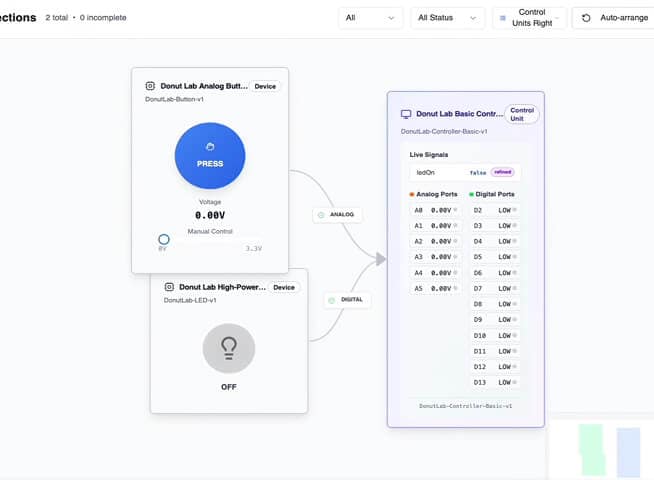
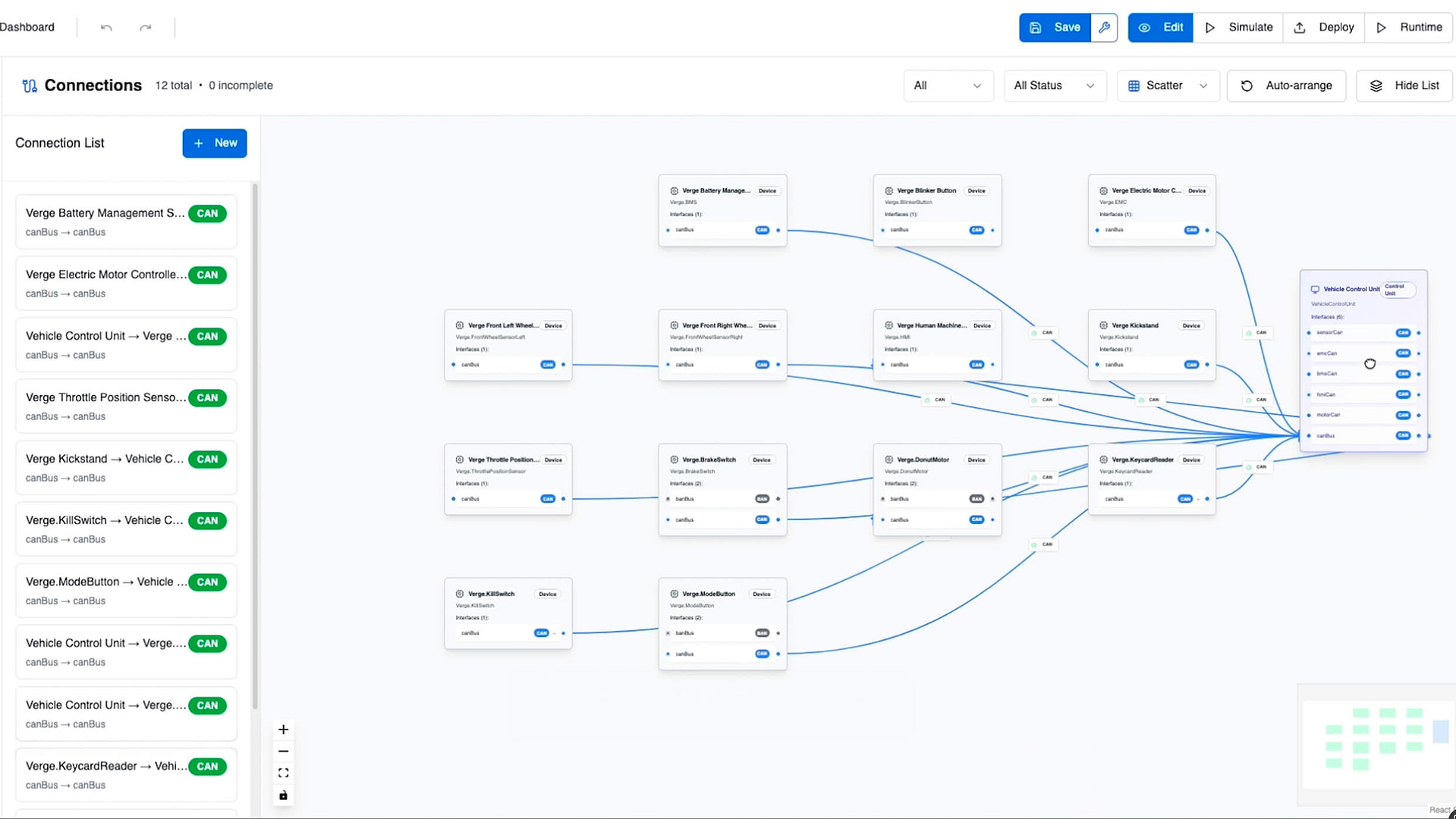
A software dashboard displays a flowchart of interconnected labeled boxes representing processes or data connections, with arrows indicating data flow between them. A sidebar and top menu offer options for filtering, saving, and editing.
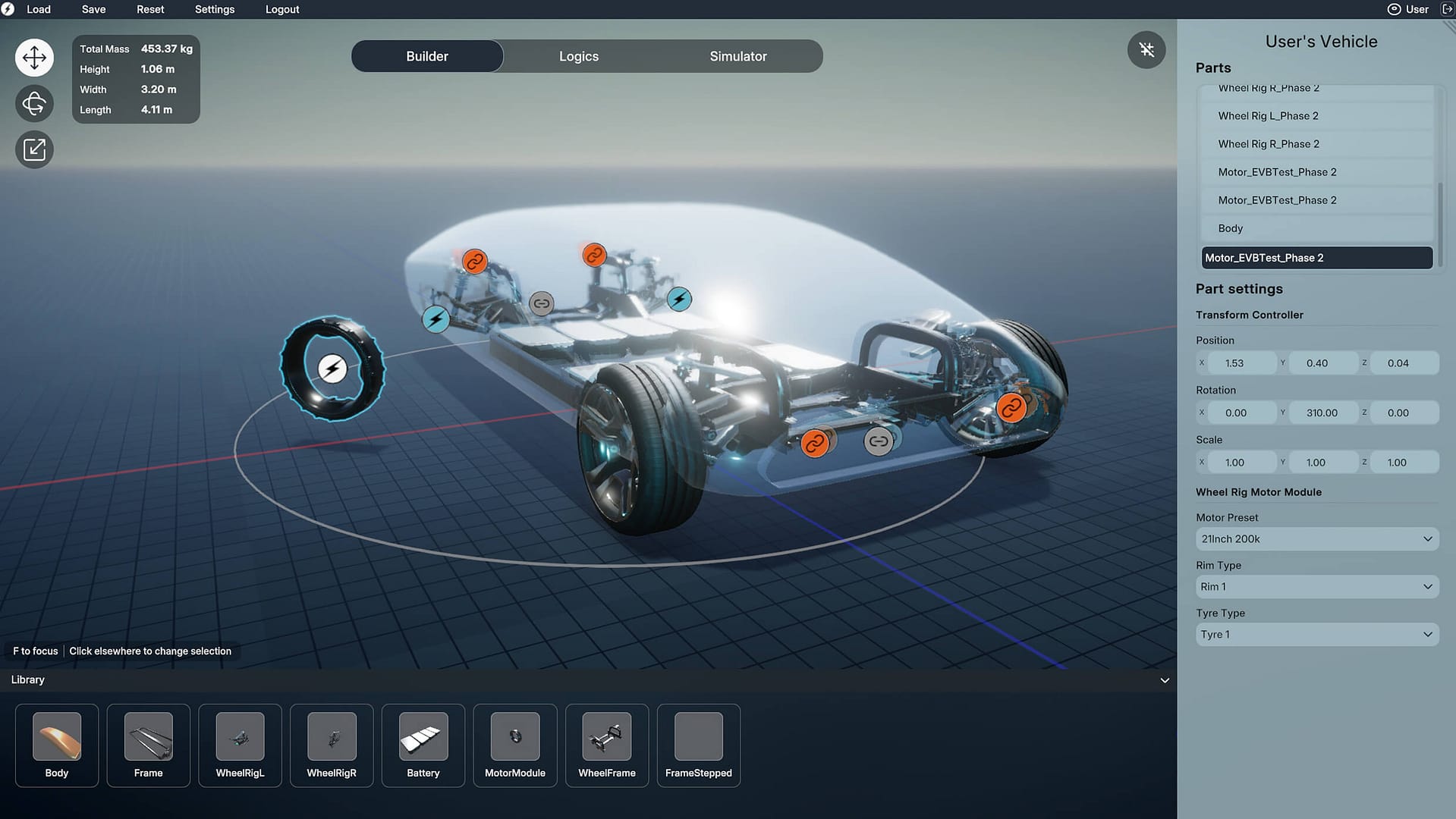
A 3D vehicle design interface shows a transparent car chassis with labeled parts, stats on the left, and customizable settings on the right. The bottom panel displays various components like tires, wheels, and batteries.
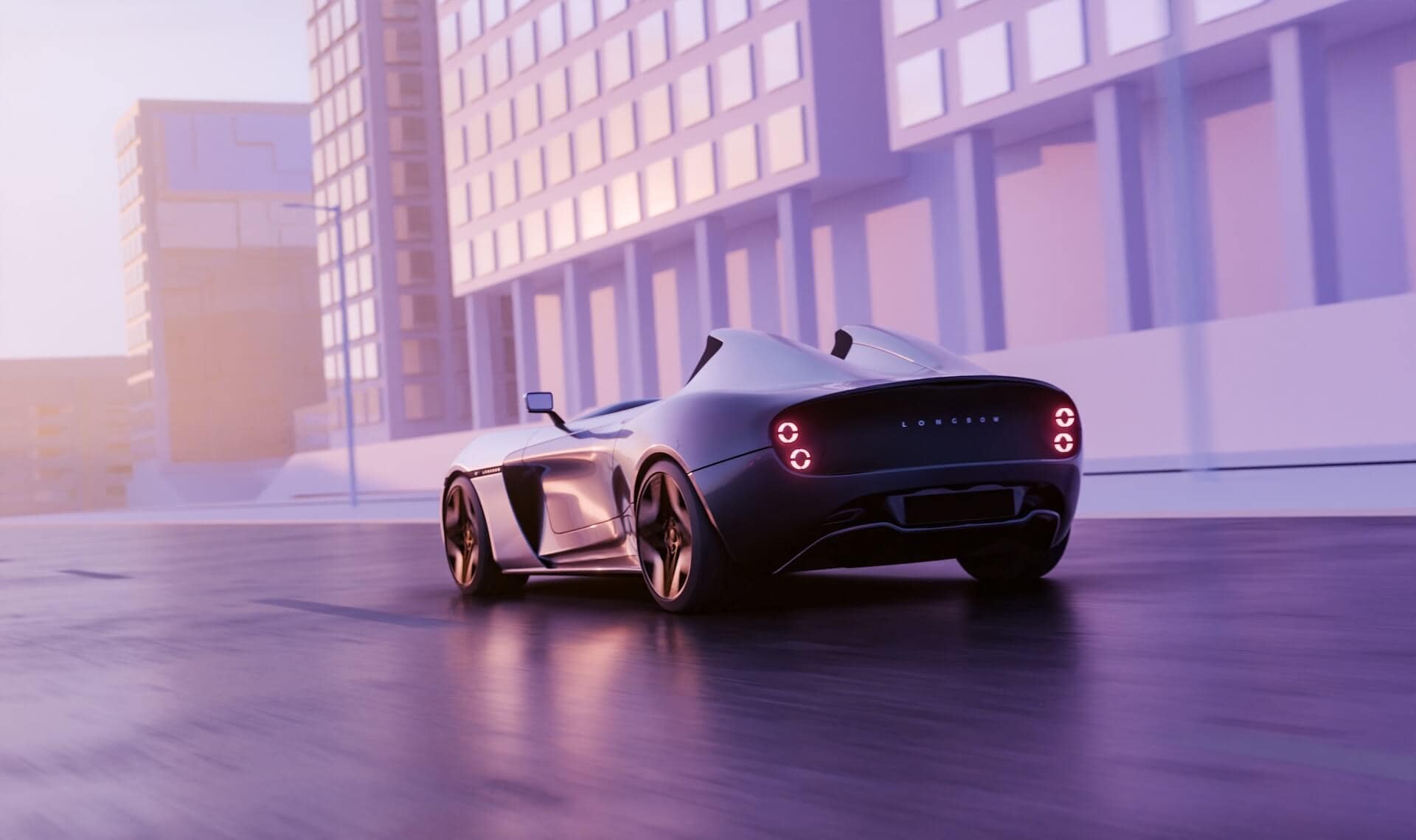
A sleek, futuristic sports car with glowing taillights drives through a modern cityscape with tall, glass buildings. The scene has a soft purple and pink hue, suggesting sunrise or sunset.
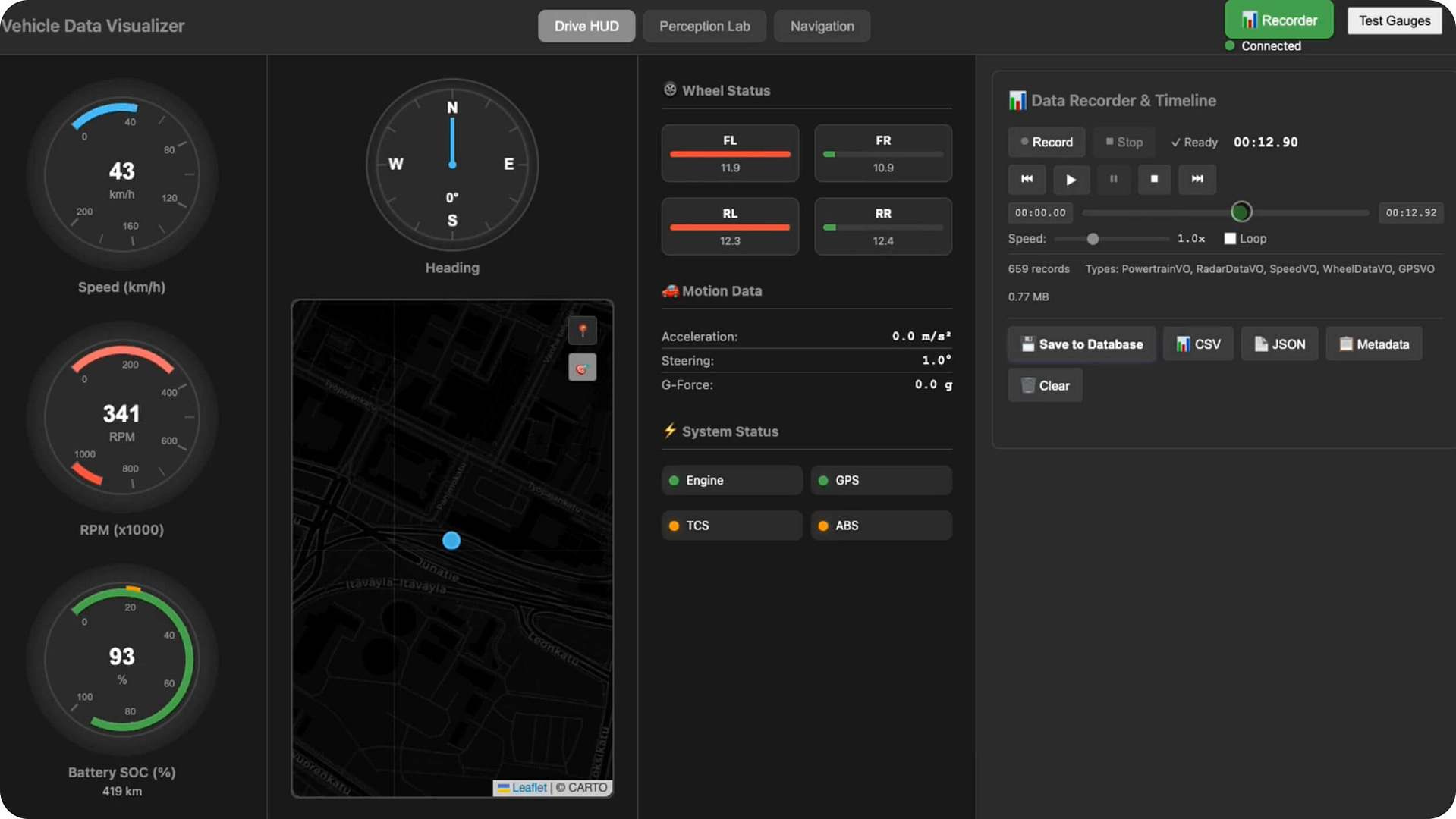
Dashboard interface displaying a map, compass, speedometer, RPM gauge, wheel status, motion data, system status indicators, and data recording controls for vehicle data visualization.

Create and validate your vehicle’s entire hardware layout and behaviour in a single, simple, no-code space.

Explore DonutOS Studio

From chassis to sensors, design every part of your vehicle’s architecture in an effortless flow.

Explore DonutOS Builder

Drive, stress-test, and validate your vehicle in a high-fidelity virtual world with simulation-grade physics.

Explore DonutOS Simulator

One place to understand your vehicle — signals, sensors, data, all in real time.

Explore DonutOS Inspector

DonutOS Studio

A visual workspace for creating, testing, and perfecting how your vehicle behaves — all without writing a single line of code.
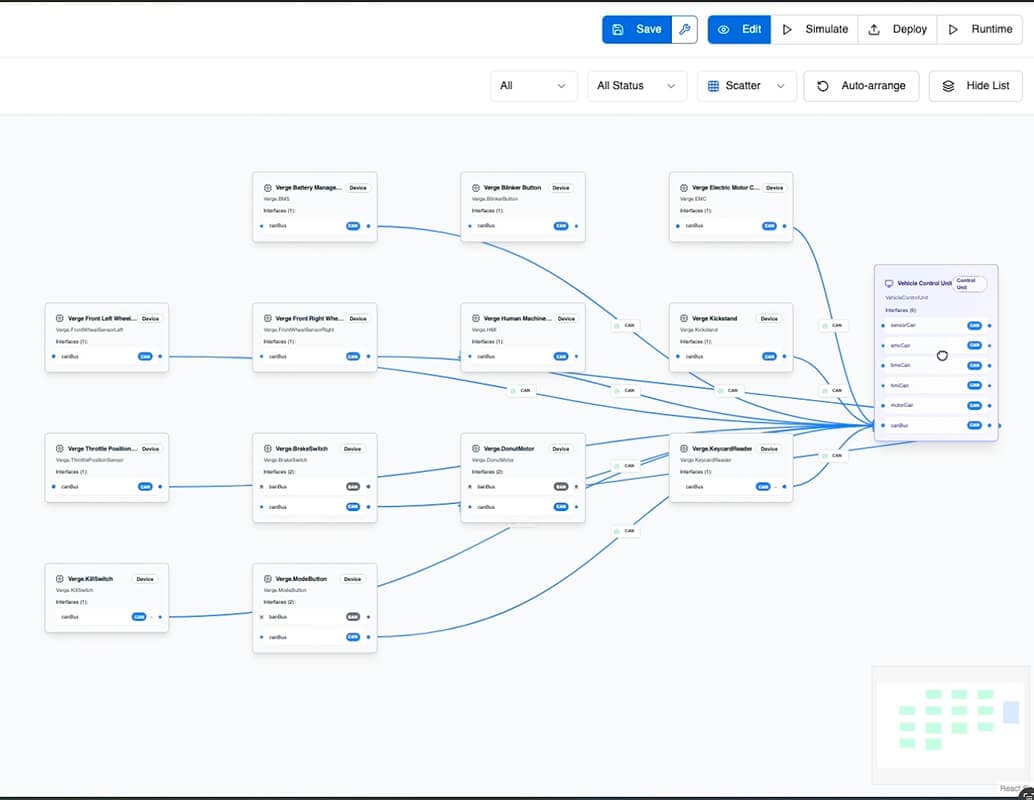
Flowchart-style interface showing rectangular nodes connected by arrows, representing various steps in a vehicle control workflow. The nodes contain labels and options, and a menu bar with buttons is visible at the top of the screen.

Design the blueprint of your EV’s hardware with intuitive drag-and-drop tools.
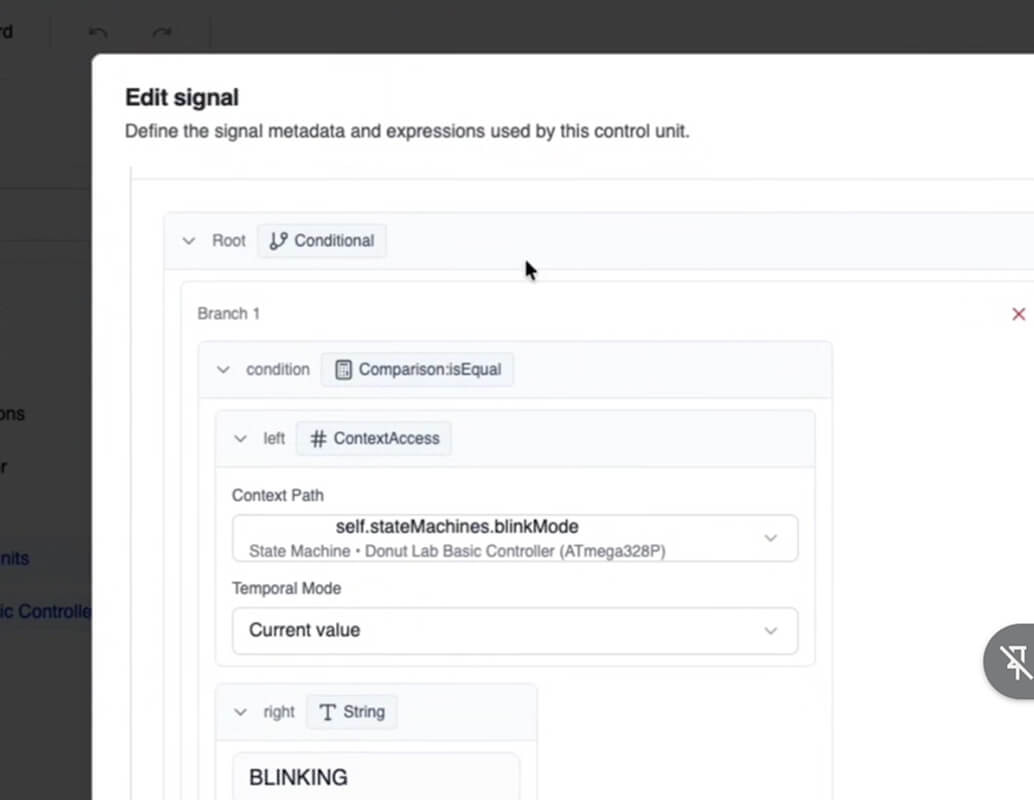
A software interface displays an “Edit signal” window with conditional logic settings, showing a branch where the condition compares if “BlinkMode” state equals the string “BLINKING.”.

Build and define the logic for every component of the vehicle, from a single interior light diode to the actual Donut motor — in a no-code environment.
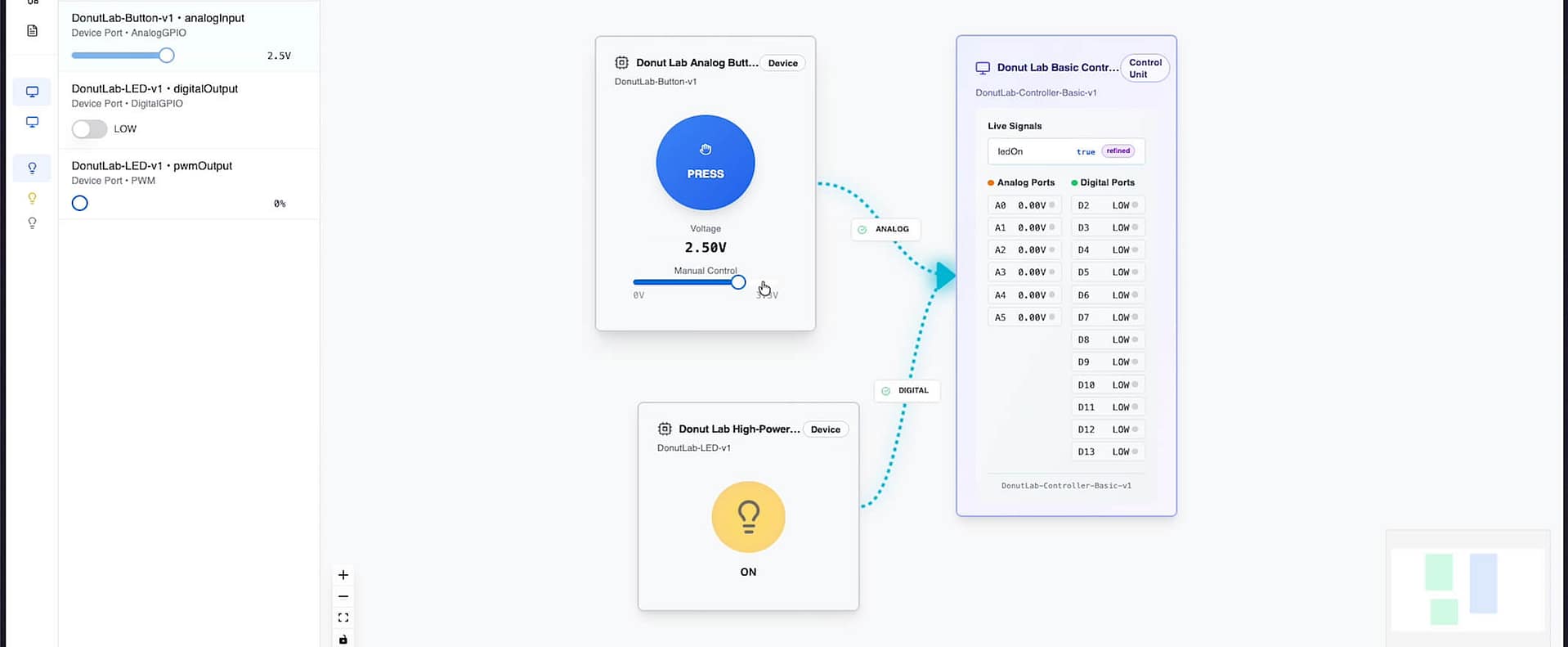
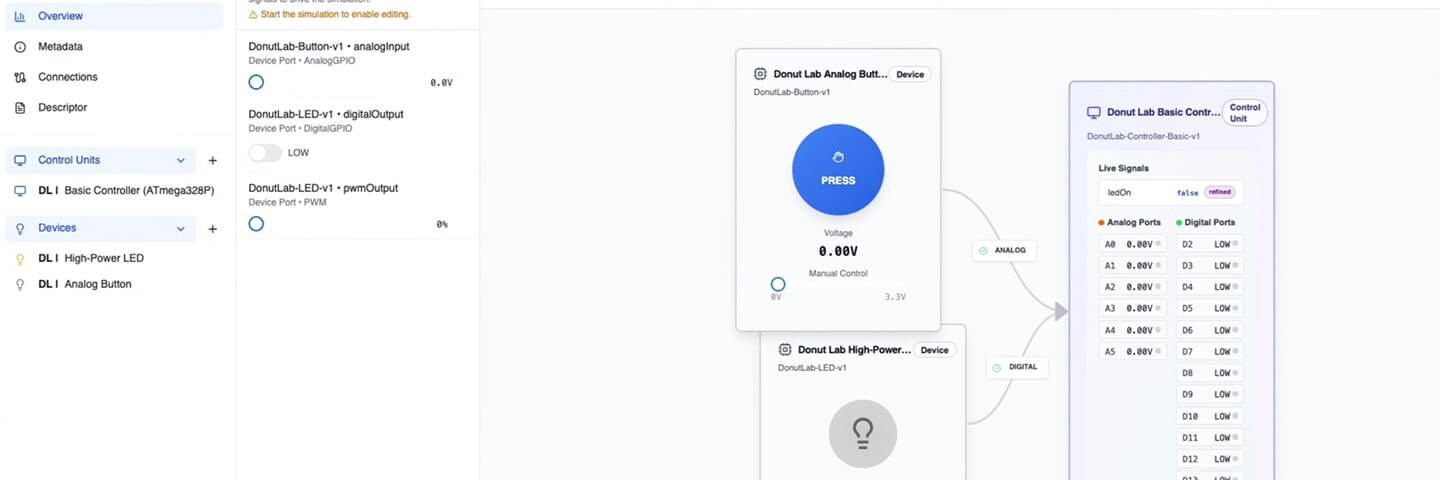
A digital interface shows a voltage control panel at 2.59V, a disabled high-power output, and a table listing analog pin readings and logic pin states, with blue dashed arrows connecting elements.
A screenshot of a device control interface showing a sidebar with control units and devices, a central panel with voltage and button controls, and a right panel displaying live signal data and analysis for selected devices.
A graphical user interface displays device controls, showing a blue "PRESS" button for an analog button, a gray "OFF" switch for a high-power LED, and a list of live signals and ports for a control unit.

Test your system logic live, in real time.
Close-up view of a circular metallic gear or mechanical component with a series of layered, curved ridges against a black background.

Swap any virtual component for real hardware-in-the-loop as you go.
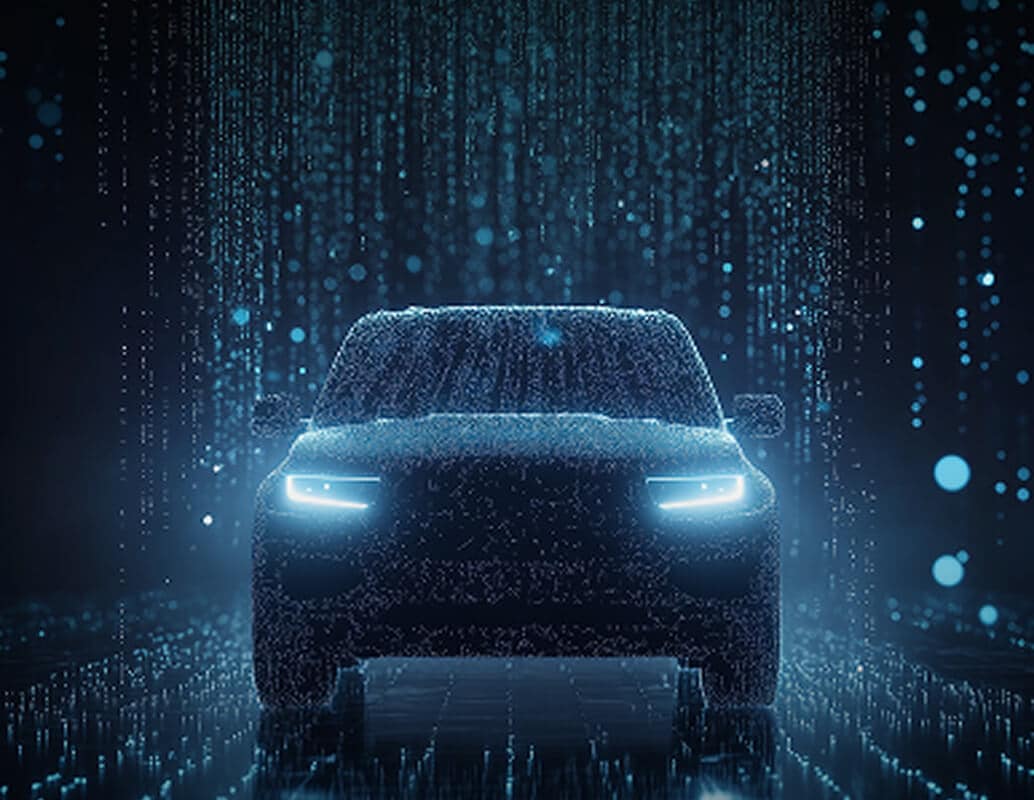
A futuristic car with glowing headlights is shown from the front, surrounded by digital blue light particles and vertical lines, creating a high-tech, digital atmosphere.

Deploy your entire logic stack seamlessly to a physical vehicle.

DonutOS Builder

Shape any vehicle from the ground up with a clear, flexible workspace for chassis design, component integration, and system layout.
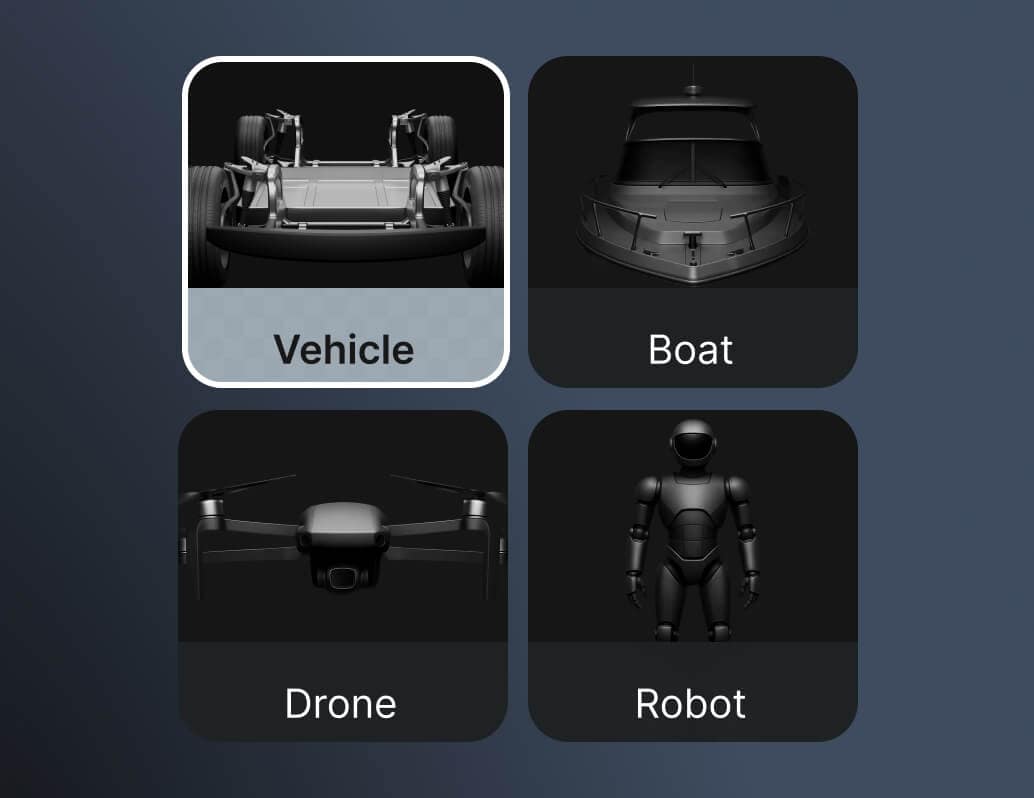
A grid of four icons labeled Vehicle, Boat, Drone, and Robot. Each icon shows a grayscale image of the respective item, with “Vehicle” highlighted by a light border and background.

Select the type of vehicle you want to create.
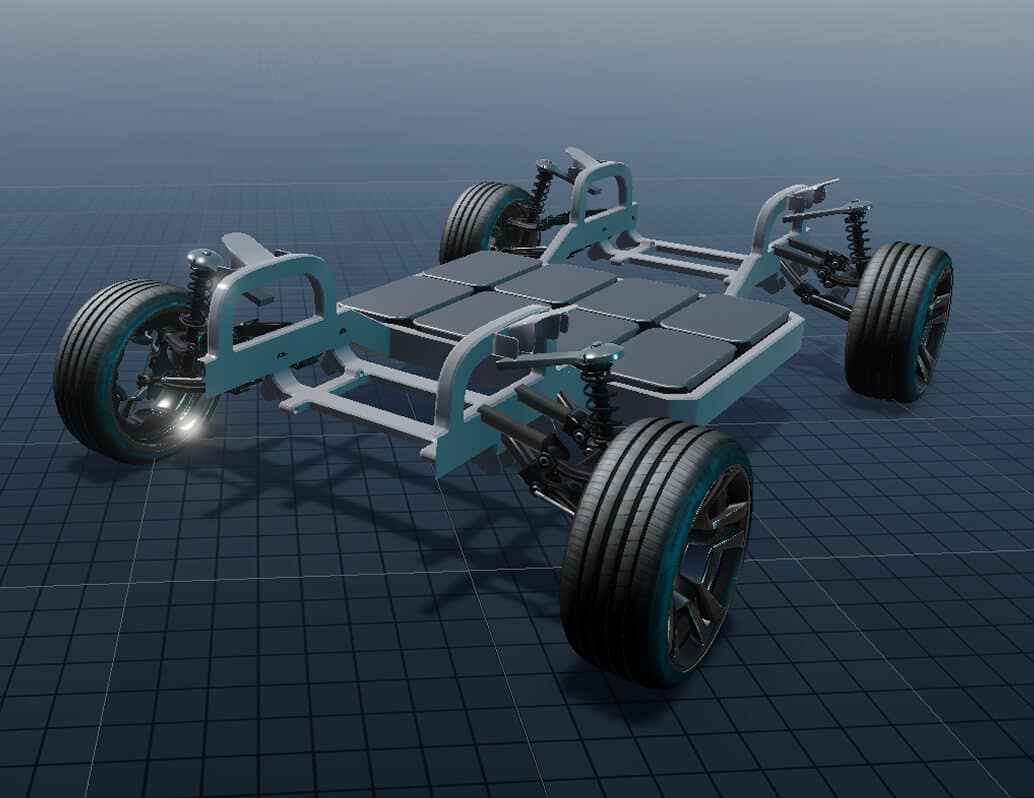
A 3D model of an electric vehicle chassis featuring four wheels, a visible suspension system, and multiple rectangular battery cells arranged in the center of the frame on a grid background.

Design and configure the virtual chassis to match your concept.
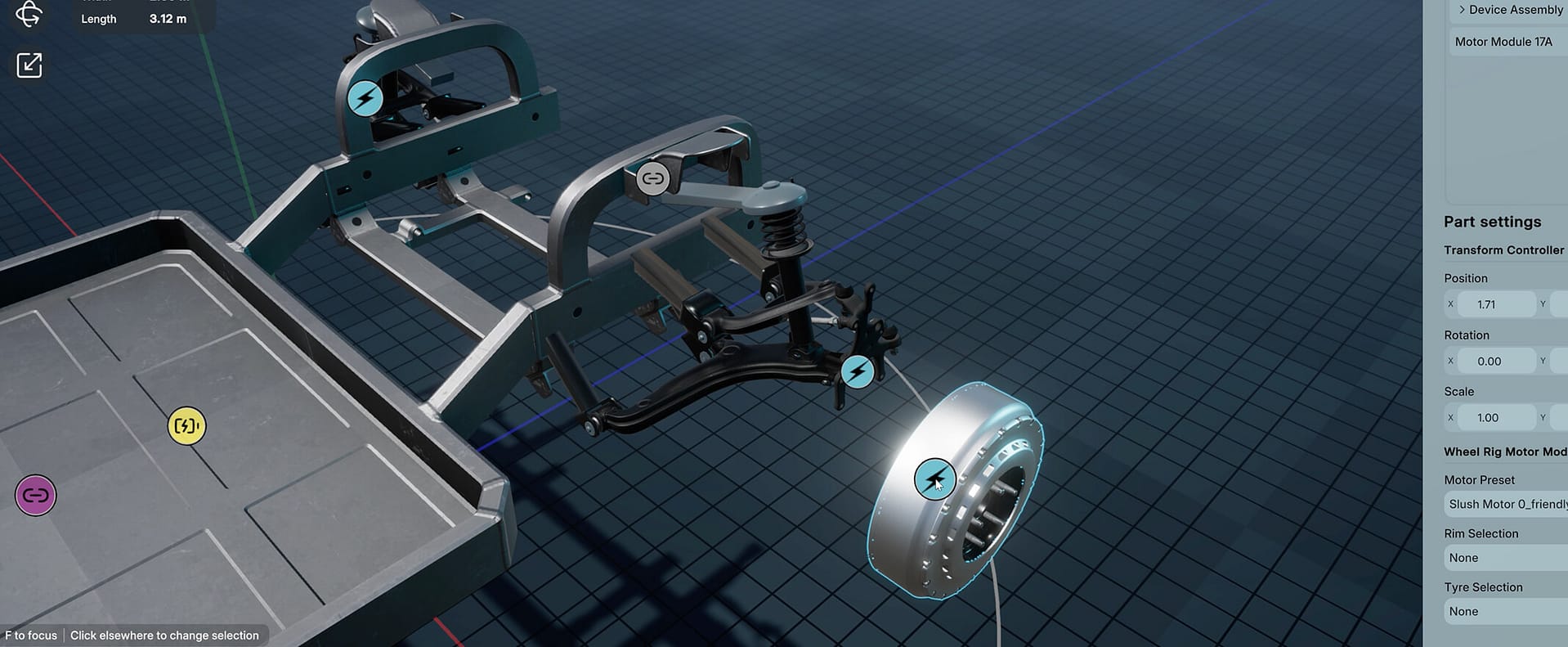
A 3D digital model of a vehicle chassis is shown, focusing on the suspension and wheel assembly. Interface elements display part settings and selection options on the right, with measurement tools at the top.

Integrate Donut Platform components directly into your build.
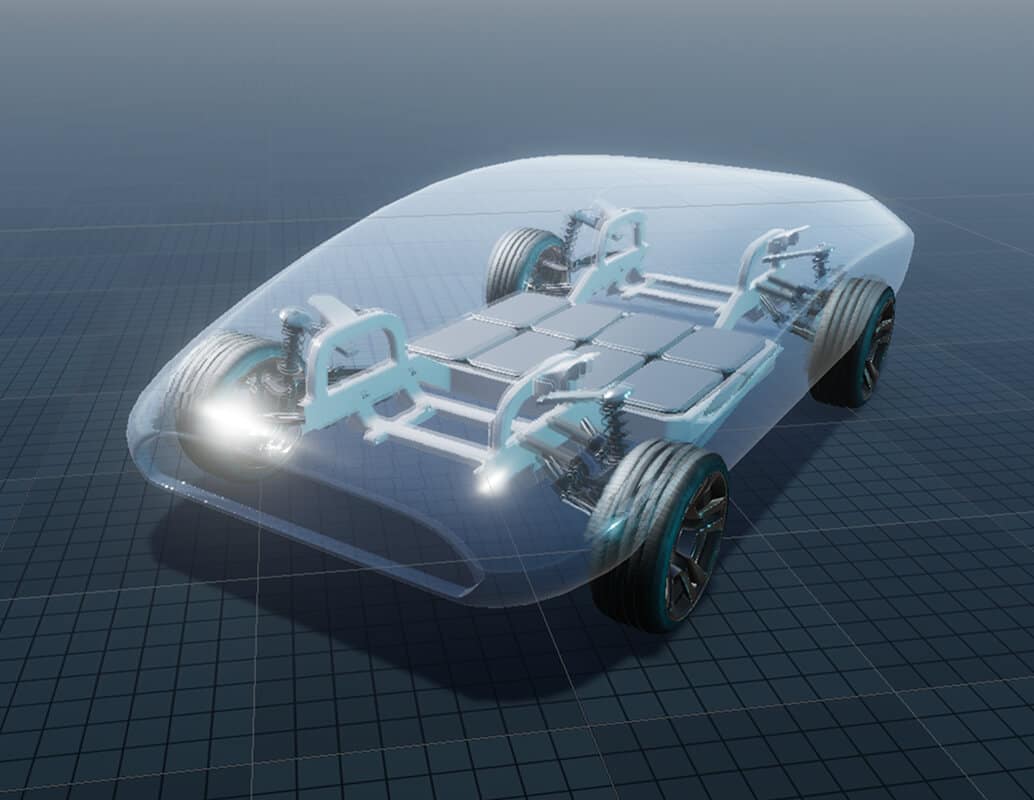
A digital rendering of an electric vehicle chassis with four wheels, visible suspension, and battery cells, all enclosed in a transparent, car-shaped shell against a grid background.

Add third-party sensors and additional systems with full compatibility.
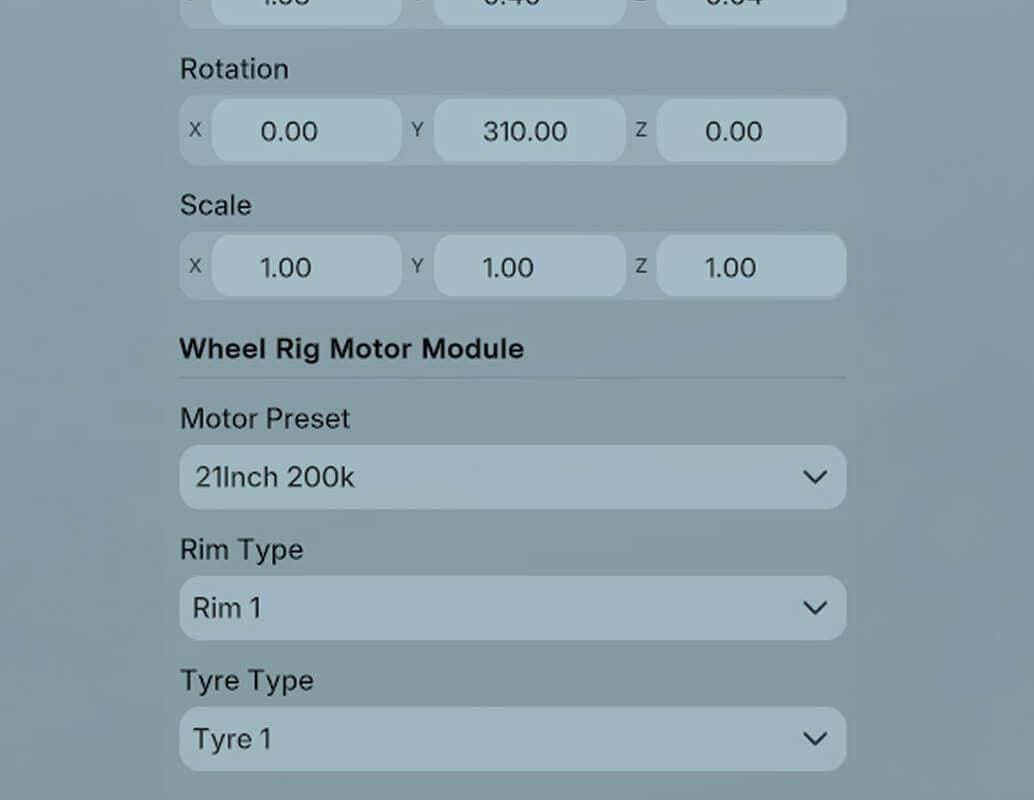
A computer interface displays settings for rotation, scale, and a wheel rig motor module with options for motor preset, rim type, and tyre type. Current values include "21Inch 200k" motor, "Rim 1," and "Tyre 1.

Refine every detail with fine-tune controls.

DonutOS Simulator

Start by defining your product’s physical structure in a fully virtual environment. Every component — motor, sensor, actuator, controller — can be placed, connected, and configured digitally.
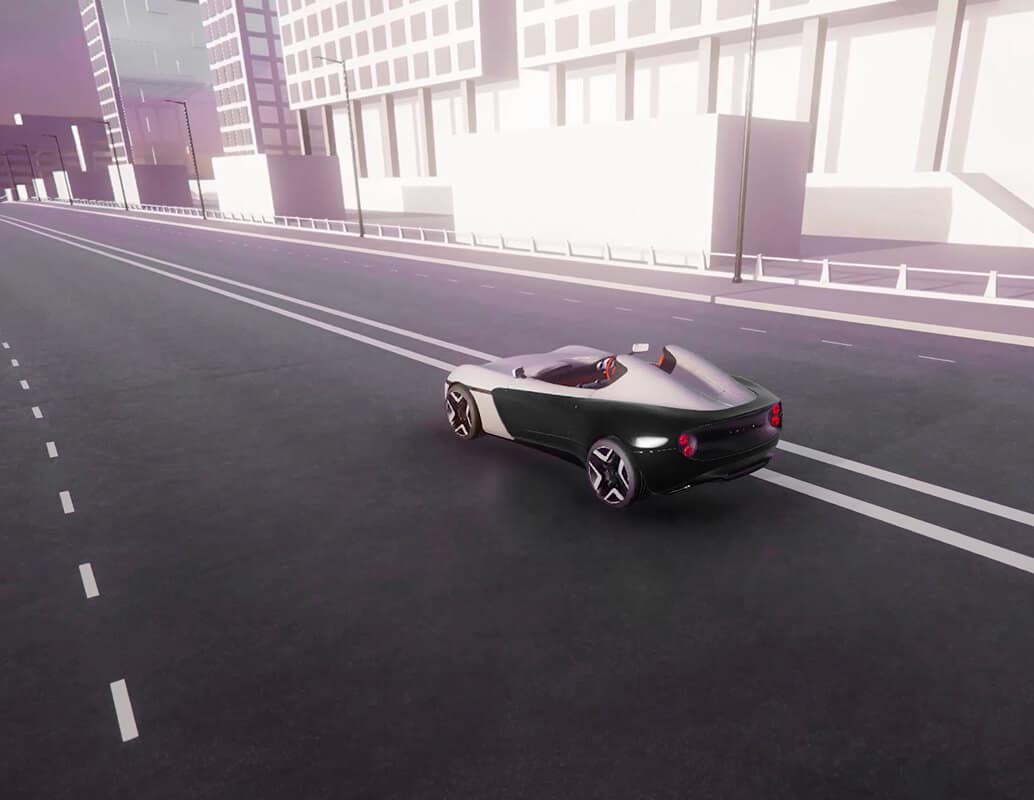
A sleek, black and white convertible sports car drives on an empty, multi-lane road in a modern city with tall, geometric buildings and bright lighting.

Test your prototype with precise, real-world-accurate vehicle physics.
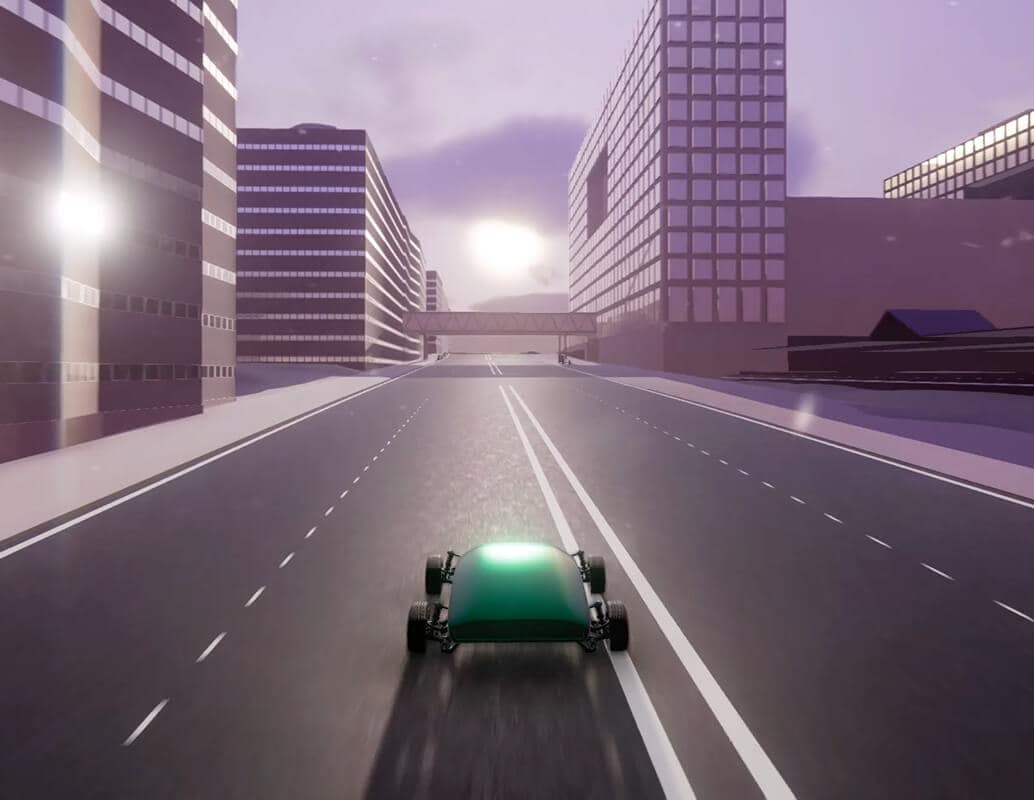
A small green car drives down a wide, empty city street under a cloudy sky, surrounded by tall, modern buildings with sunlight reflecting off the windows.

Drive your vehicle anywhere in the world using high-fidelity digital world replica.
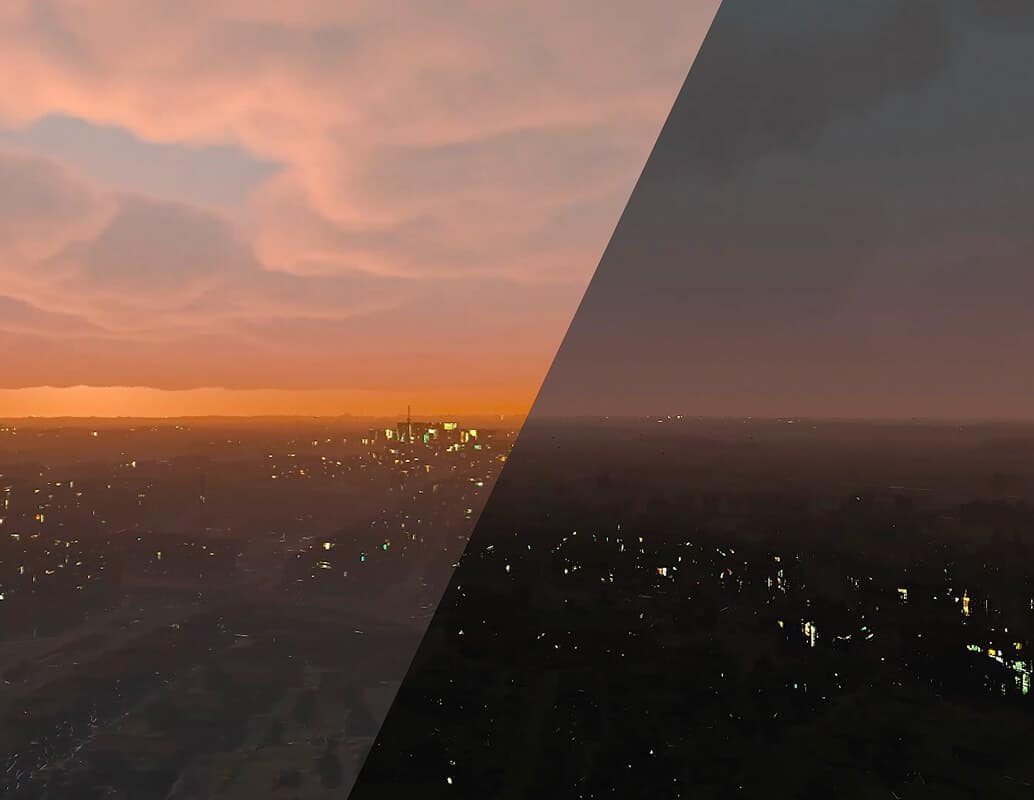
A city skyline at sunset on the left side, with warm orange clouds, contrasted with the same city at night on the right side, darker with scattered lights and a cloudy sky.

Modify environment conditions in real time, from climate to time of day, terrain and more.
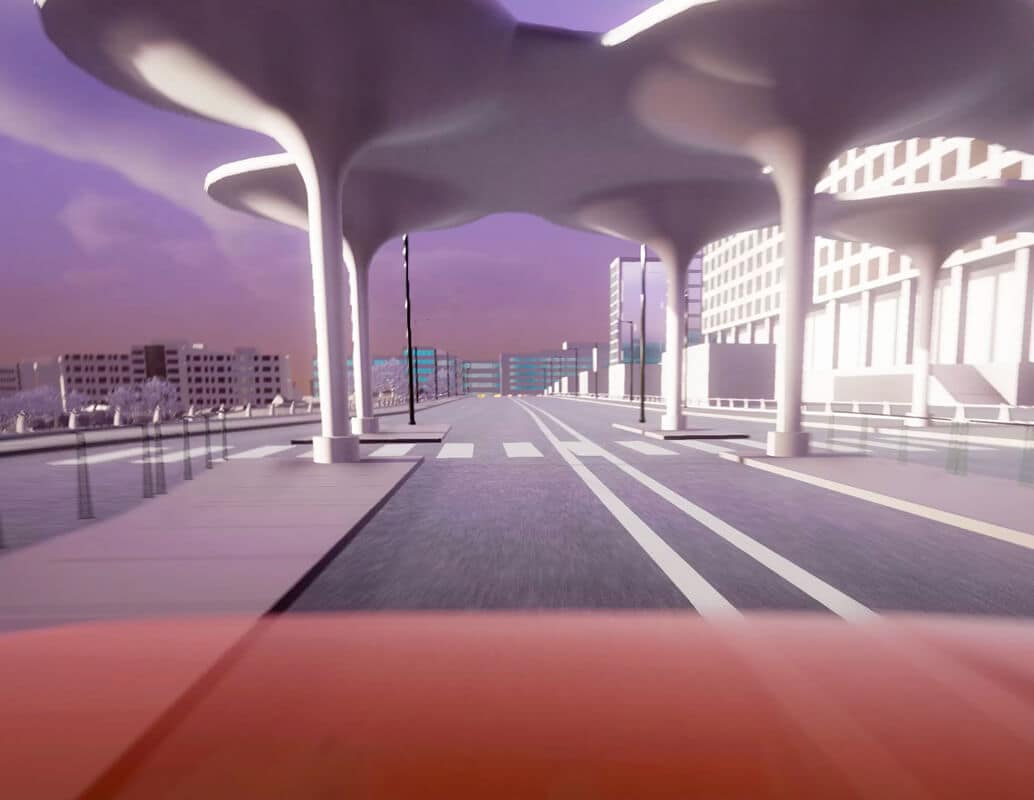
A city street with futuristic, large mushroom-shaped canopies, modern buildings, and an empty road under a purple sky, seen from a car's perspective.

Experience how your product feels in an immersive first-person drive simulation
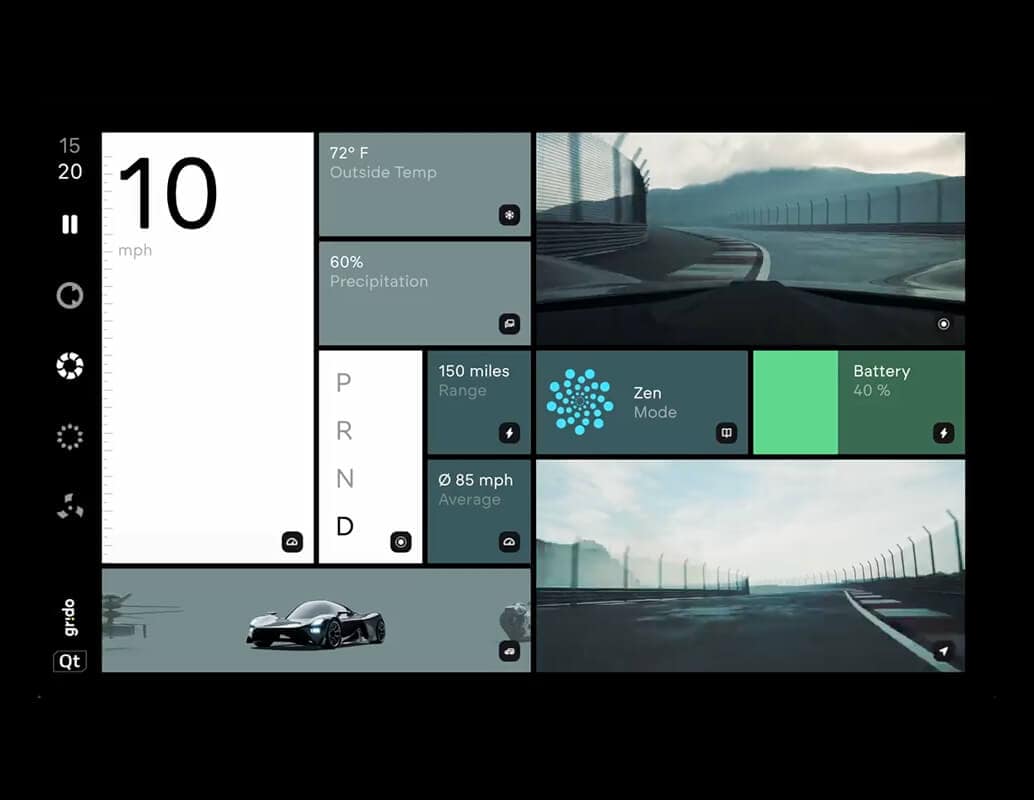
A futuristic car dashboard display showing speed, outside temperature, precipitation, gear, battery level, driving mode, range, average speed, and camera views of a racetrack.

Test and validate your complete HMI software build on the virtual vehicle.
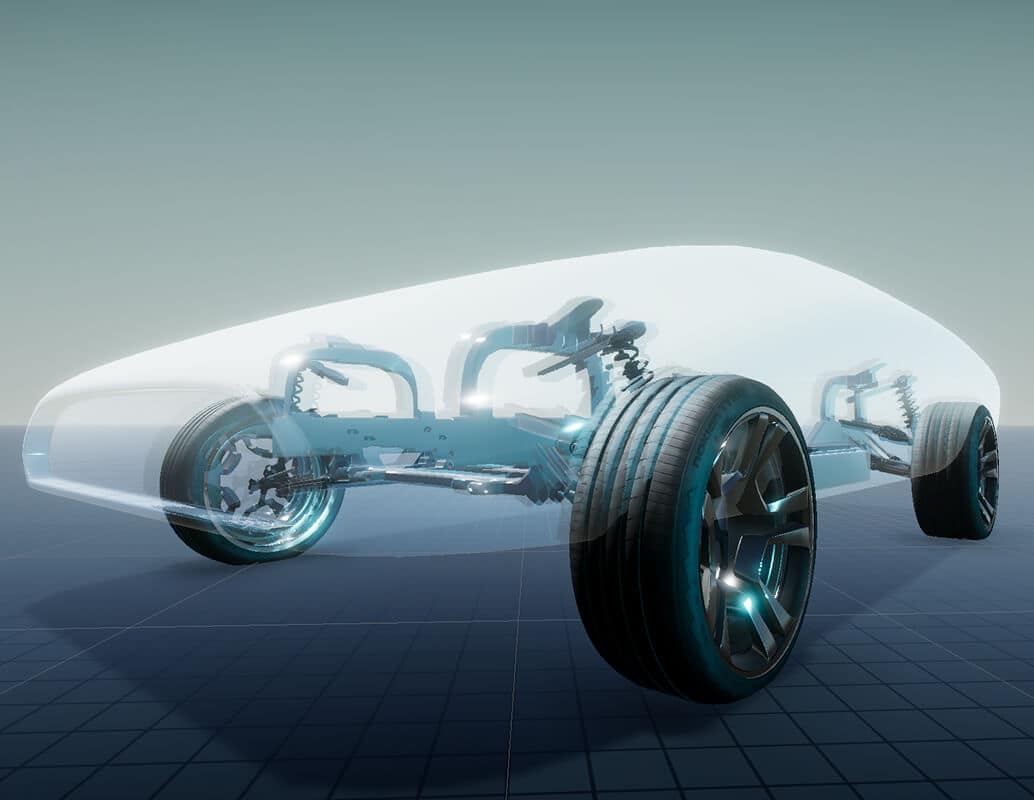
A digital rendering of a transparent car model, revealing the vehicle's suspension, wheels, and internal framework beneath a futuristic, streamlined outer shell.

Trigger manual changes in sensory data to test specific behaviour and error states.

DonutOS Inspector

Start by defining your product’s physical structure in a fully virtual environment. Every component — motor, sensor, actuator, controller — can be placed, connected, and configured digitally.
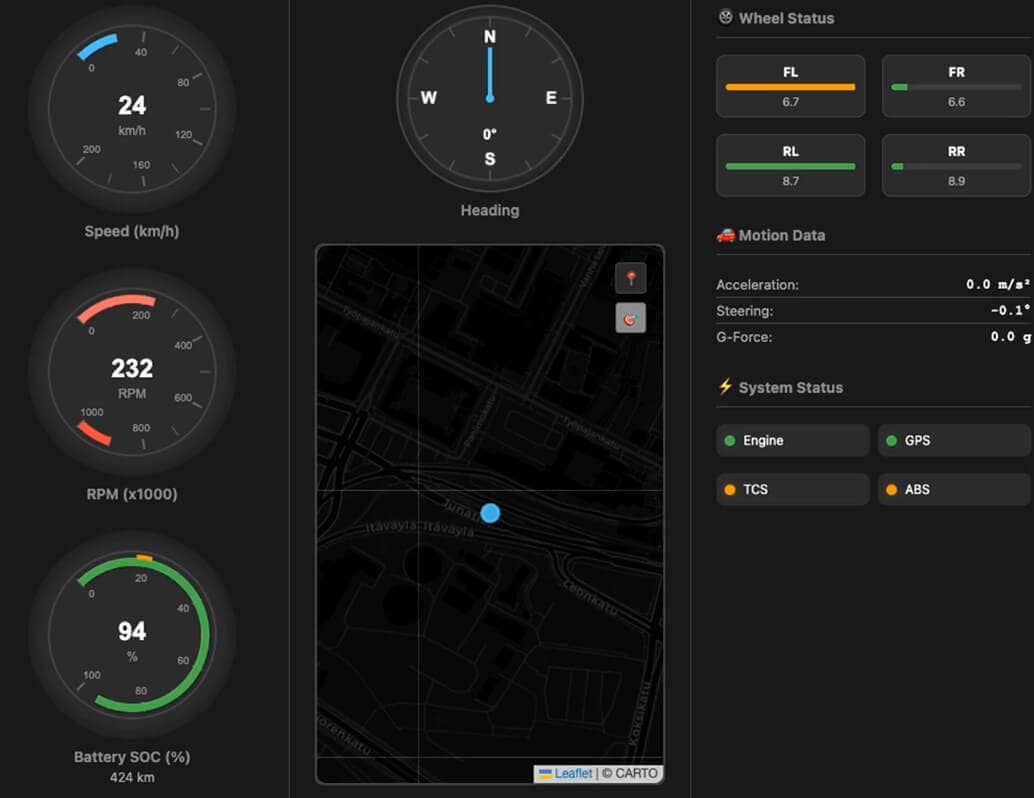
A digital dashboard shows speed, RPM, battery, and wheel status gauges, a compass, a map with a blue marker, motion data, and system status indicators for engine, GPS, TCS, and ABS.

Monitor key telematics data of your virtual vehicle in a real-time, interactive dashboard.
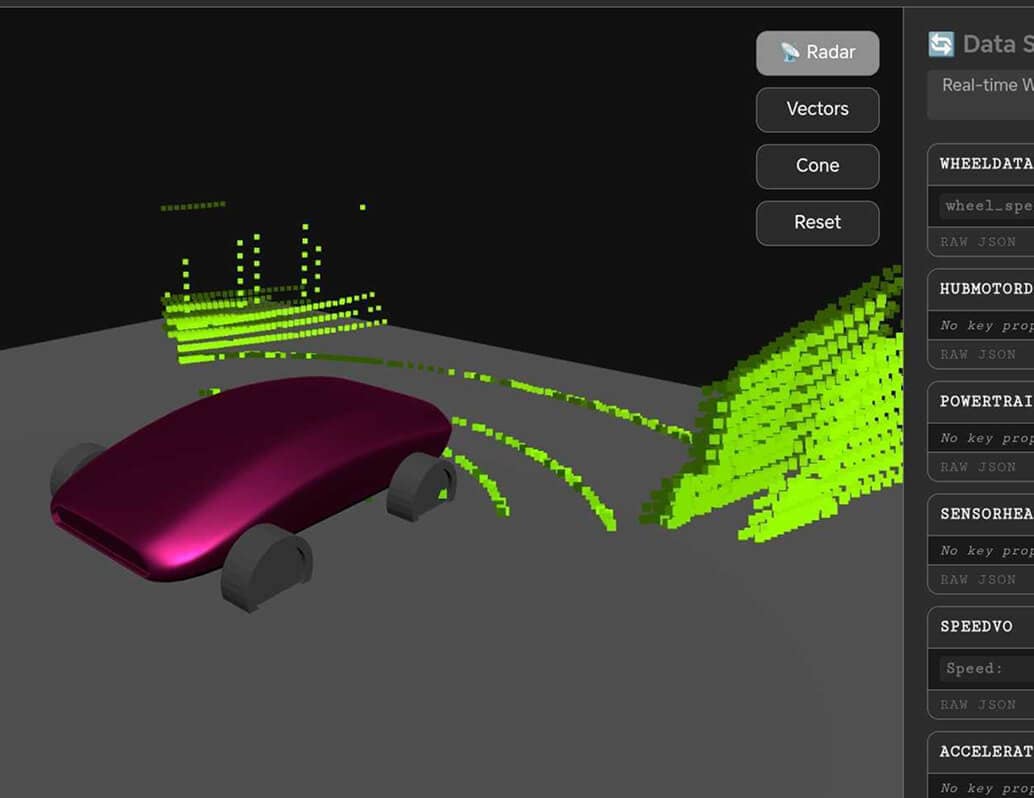
A 3D simulation shows a maroon car with exposed wheels, surrounded by green data points representing sensor or radar readings on a dark interface with control buttons and data panels.

Stream vehicle camera feeds, radars, and more directly from your digital twin 2.0.
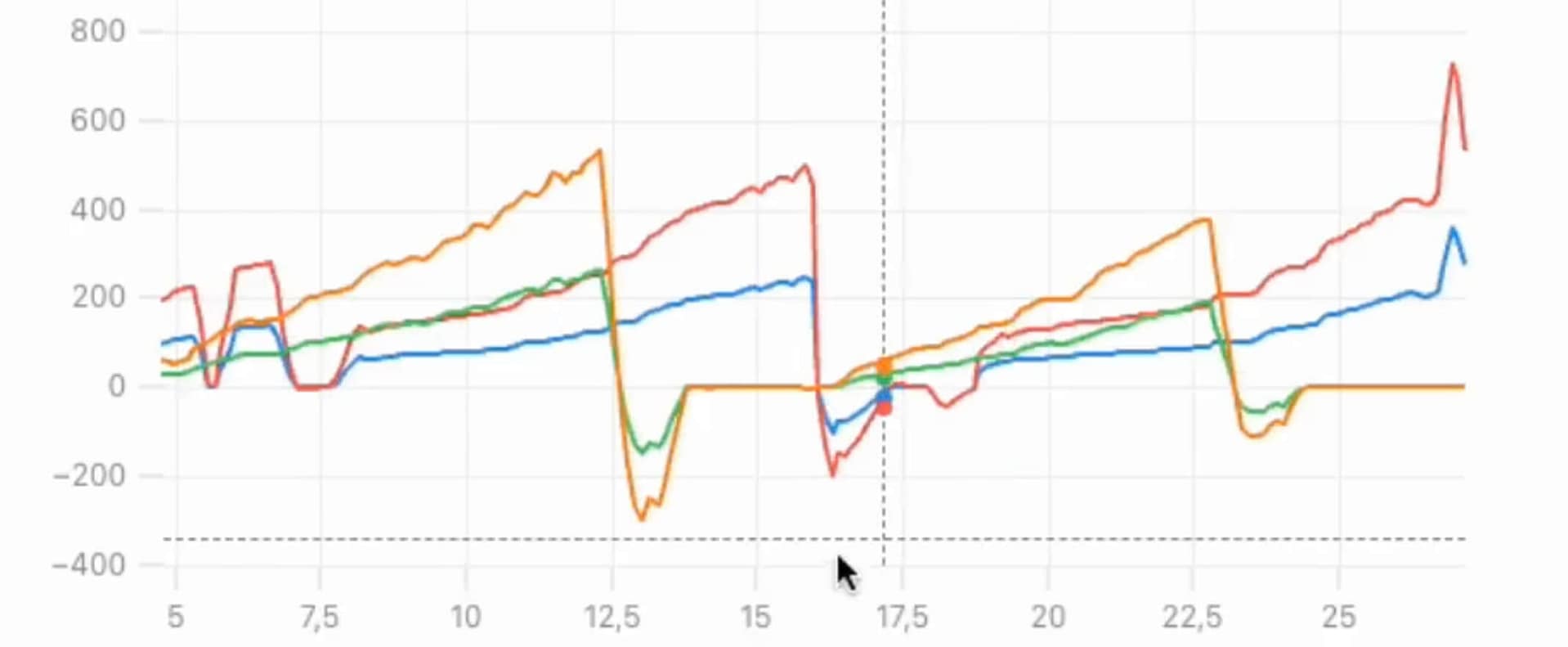
Line graph with four colored lines (orange, red, green, blue) showing fluctuating values over an x-axis range from 5 to 25 and y-axis range from -400 to 700. Data sharply spikes and drops around x=15.
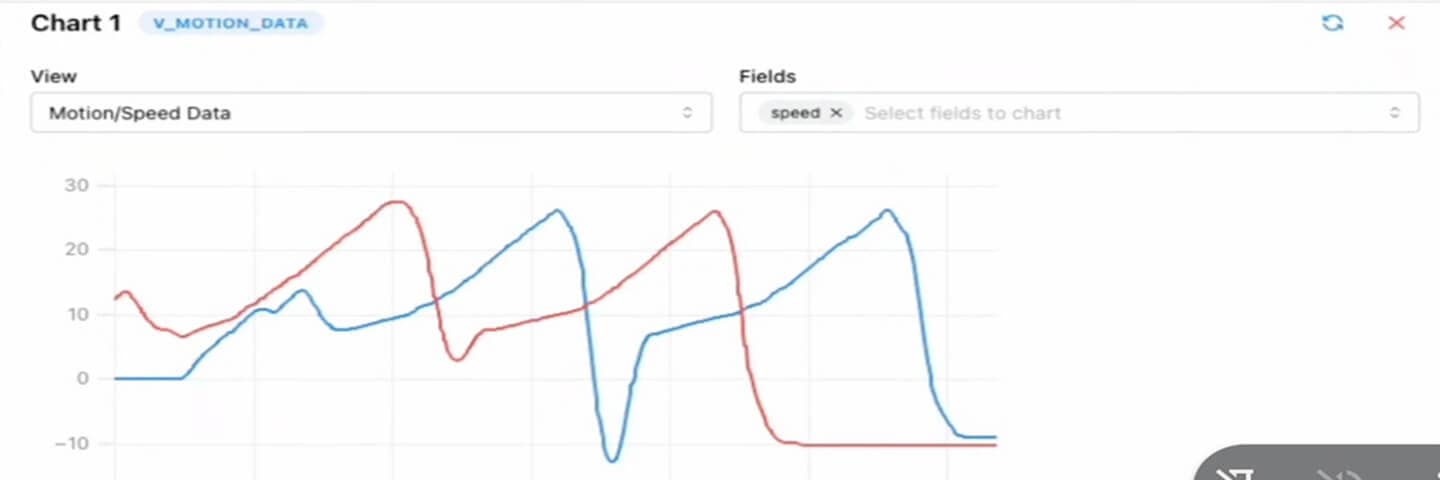
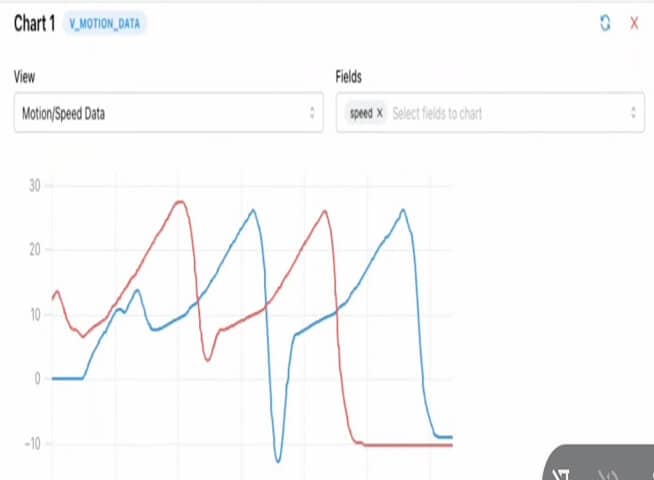
A line chart with two lines, red and blue, showing motion or speed data over time. Both lines fluctuate, peaking around 30 and dipping below -10, with similar repeating patterns. Chart settings are visible above.
A line graph with two colored lines displaying motion or speed data over time. The chart has labeled axes and fields for selecting data views and chart fields, showing fluctuating patterns for both data sets.

Analyze and compare any time-series data with a full-resolution visualizer.
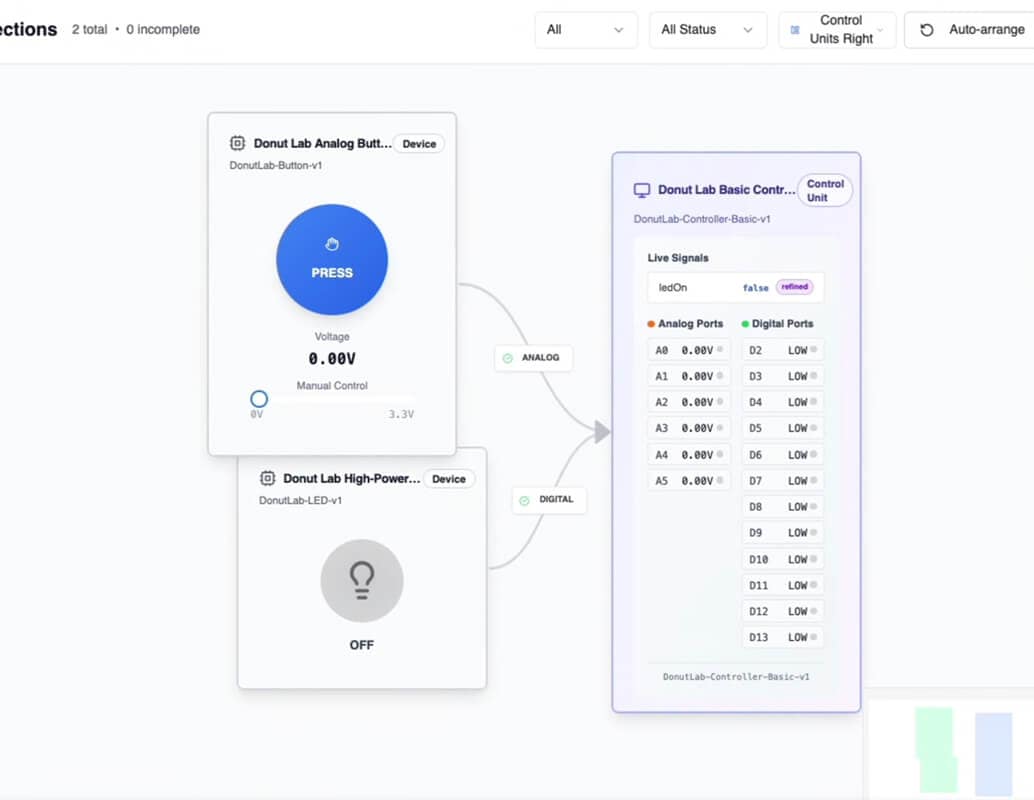
A screenshot of a user interface shows control modules for a Donut Lab device. One module displays a blue “Press” button with voltage information; another shows “OFF.” A panel on the right lists analog and digital signal values.

After deploying your software into the physical vehicle, use the same tools to inspect the real-world telematics data,
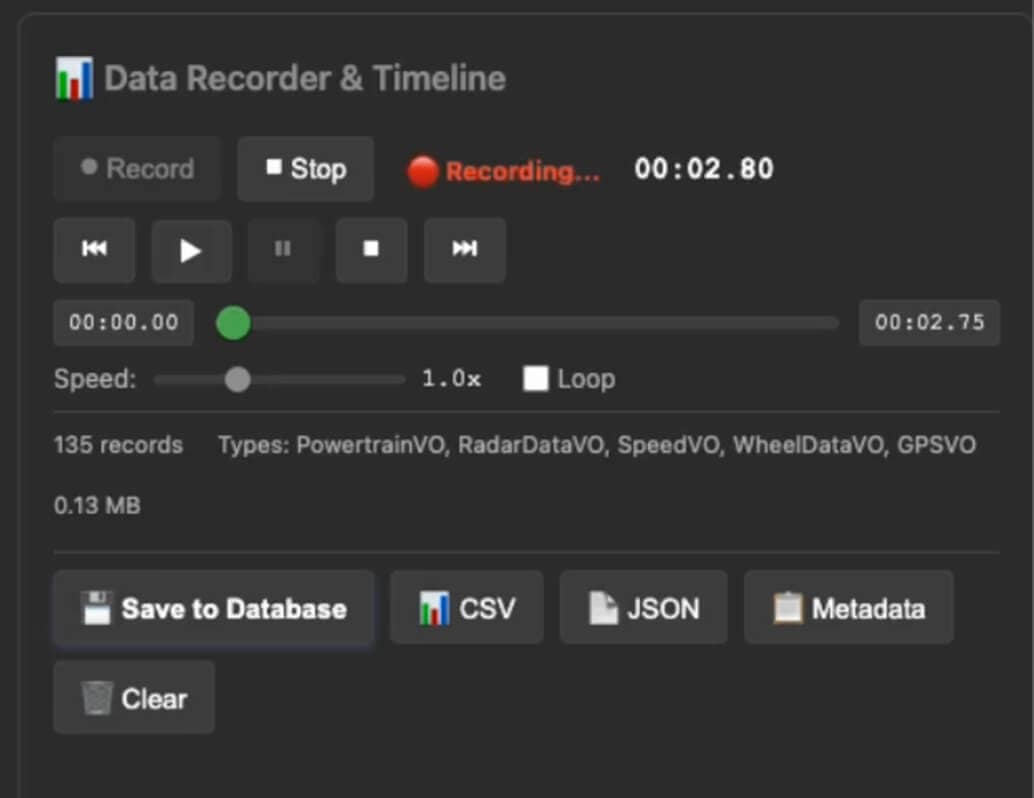
A software interface shows a data recorder in use, with recording time, control buttons, playback speed, loop option, record count, data types, and options to save to database, export as CSV, JSON, or clear data.

Record and replay all data-bus activity for deeper analysis — both on virtual and physical vehicles.

Built for every kind of innovator

Whether you’re designing a new vehicle experience, validating embedded systems, or building your first prototype, DonutOS adapts to your workflow.

OEM Engineering Teams

Reduce development time and physical prototyping costs with virtual validation.

Startups & Builders

Design, validate and launch your first complete vehicle faster and at a lower cost.

Software Engineers

Build, visualize, validate and debug complex logic in real time.

Design & UX Teams

Prototype the driving experience: how it feels, not just how it looks.

Get early access to DonutOS

DonutOS will be made generally available next year.
If you want to start building and testing your vehicle concepts today, apply for early access through our Global Innovator Program.

DonutOS will be made generally available next year.
If you want to start building and testing your vehicle concepts today, apply for early access through our Global Innovator Program.